
Last checked 2026-10-05
Roblox Thumbnail Ideas
Editorial Roblox thumbnail ideas with copy-ready briefs and testing steps. These are hypotheses, not measured CTR winners.
Concise answer
The best Roblox thumbnail ideas create one clear click question: danger, reward, progression, social proof, mystery, timer, or update freshness.
Put the answer into practice
2026-10-05
Editorial review as needed
Independent editorial planning examples, not measured demand, official Roblox trends, or verified performance data.
What changed this update
Reviewed planning examples and removed unsupported historical rankings. Check each suggestion against your actual game.
Editorial recommendations
Danger
Near-miss escape
Avatar is one action away from failing while the goal remains visible.
Use for obbies, horror, and survival.
Reward
Rare unlock reveal
Large reward object in the foreground with the game action behind it.
Use for simulators and collection loops.
Progression
Tiny-to-huge before/after
Show starter state next to an upgraded state.
Use for tycoons, simulators, and base builders.
Social
Friend celebration moment
Two or three avatars react to a shared win.
Use when the game has social proof.
Mystery
Glowing locked door
One question object creates curiosity without hiding the goal.
Use for horror, adventure, and update reveals.
Timer
Beat the clock
A visible timer adds urgency to a simple action.
Use for obbies and racing.
Boss scale
Tiny avatar versus huge threat
Scale contrast creates instant stakes.
Use for arena, horror, and survival concepts.
Collection
Almost complete board
Show progress with one missing reward.
Use for daily goals and retention loops.
Update
New area preview
One new zone or reward signals freshness.
Use after launch updates.
Role identity
Become this job
Avatar role, place, and action are readable in one frame.
Use for roleplay pages.
Copy-ready blocks
Danger brief
Use in thumbnail planner.
Hypothesis: danger clarity will increase clicks.
Scene: avatar one jump away from a large hazard, exit visible behind it.
Text: CAN YOU ESCAPE?
Risk: do not hide the reward or goal.
Reward brief
Use in thumbnail planner.
Hypothesis: reward clarity will attract progression-focused players.
Scene: rare pet, trail, badge, or upgrade in foreground.
Text: UNLOCK THIS!
Risk: keep the core action visible.
Progression brief
Use in thumbnail planner.
Hypothesis: before-and-after growth will explain why players should stay.
Scene: tiny starter base on left, upgraded base on right.
Text: START SMALL
Risk: avoid crowding the frame.
Social proof brief
Use in thumbnail planner.
Hypothesis: friend reaction will make the game feel repeatable.
Scene: two avatars celebrating one shared reward.
Text: PLAY TOGETHER
Risk: keep avatars large enough for mobile.
Mobile readability check
Run before publishing.
Shrink the thumbnail. Keep only one subject, one reward or danger, one short text label, and one clear background contrast.
How to use this page
- 1Pick one thumbnail angle that matches the first-session promise.
- 2Copy the brief into Icon & Thumbnail Test Planner.
- 3Create three variants by changing only one variable.
- 4Check mobile readability before final art.
- 5Do not keep a high-click thumbnail if the game does not deliver the promise early.
Use this live guide
Related launch examples
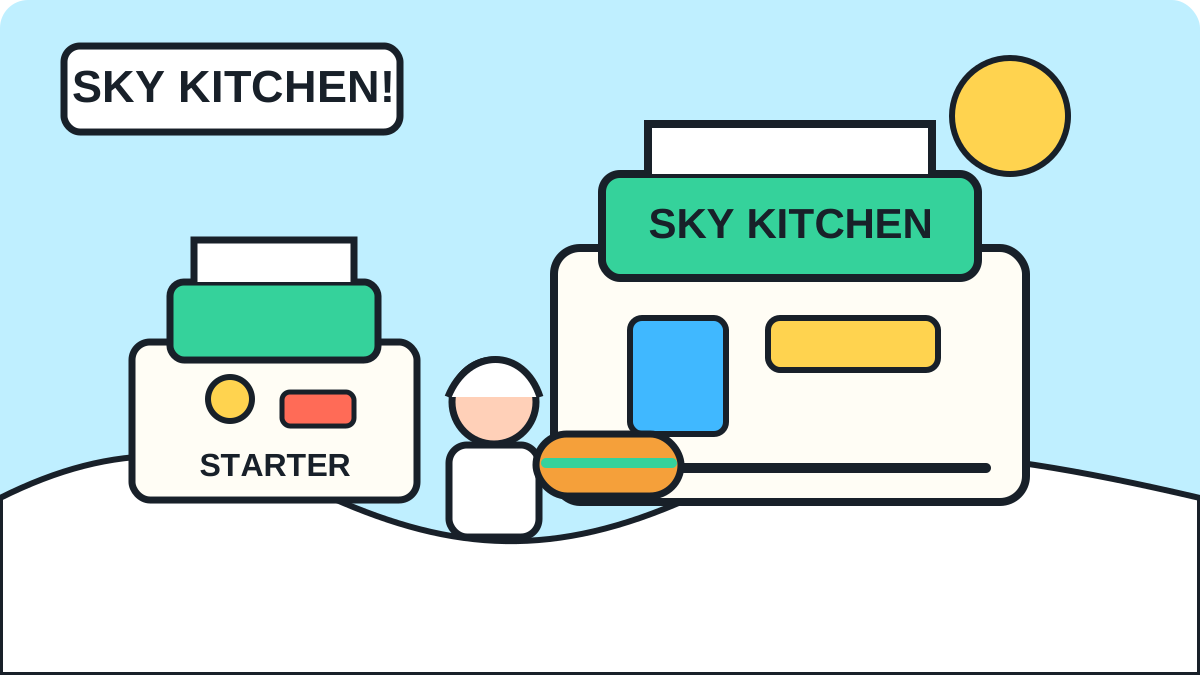
Tycoon - Illustrative concept
Cloud Kitchen Tycoon
A compact tycoon concept where players grow a tiny sky kitchen into a social food empire with cosmetic chef rewards.
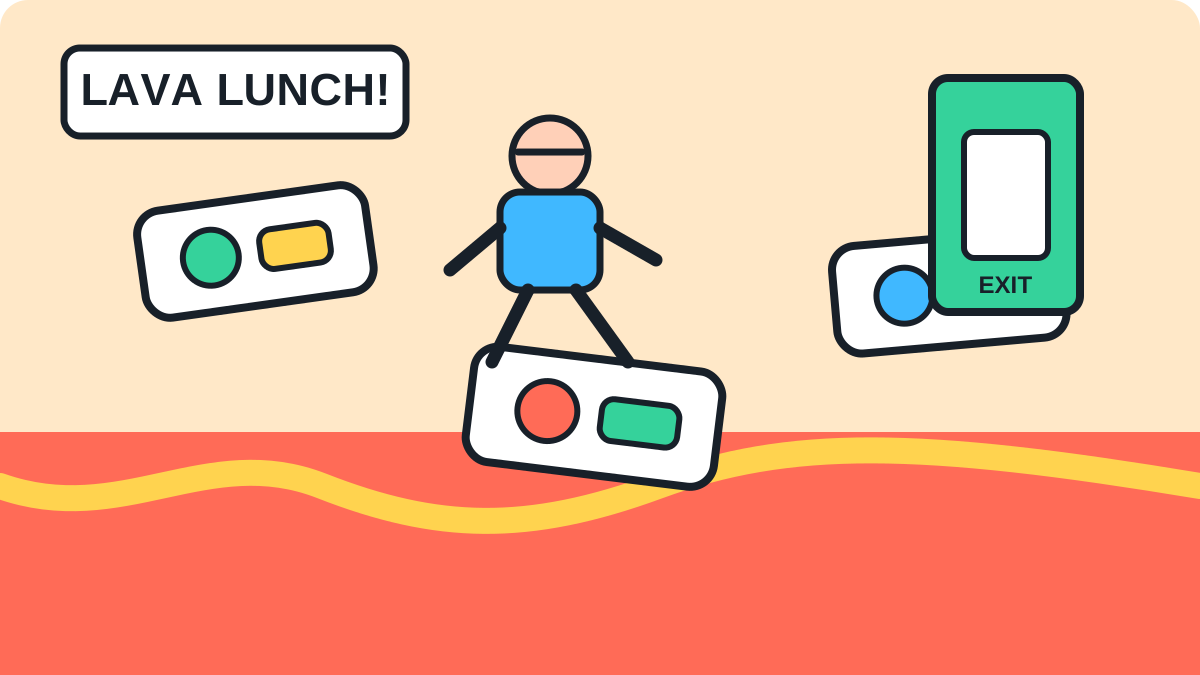
Obby - Illustrative concept
Lava Lunch Rush Obby
A school cafeteria escape obby with fast retries, funny hazards, and lunchbox-themed rewards.
FAQ
Start with danger versus reward if the game has a clear hazard or unlock. For tycoons, test before-and-after progression.